Table of Contents
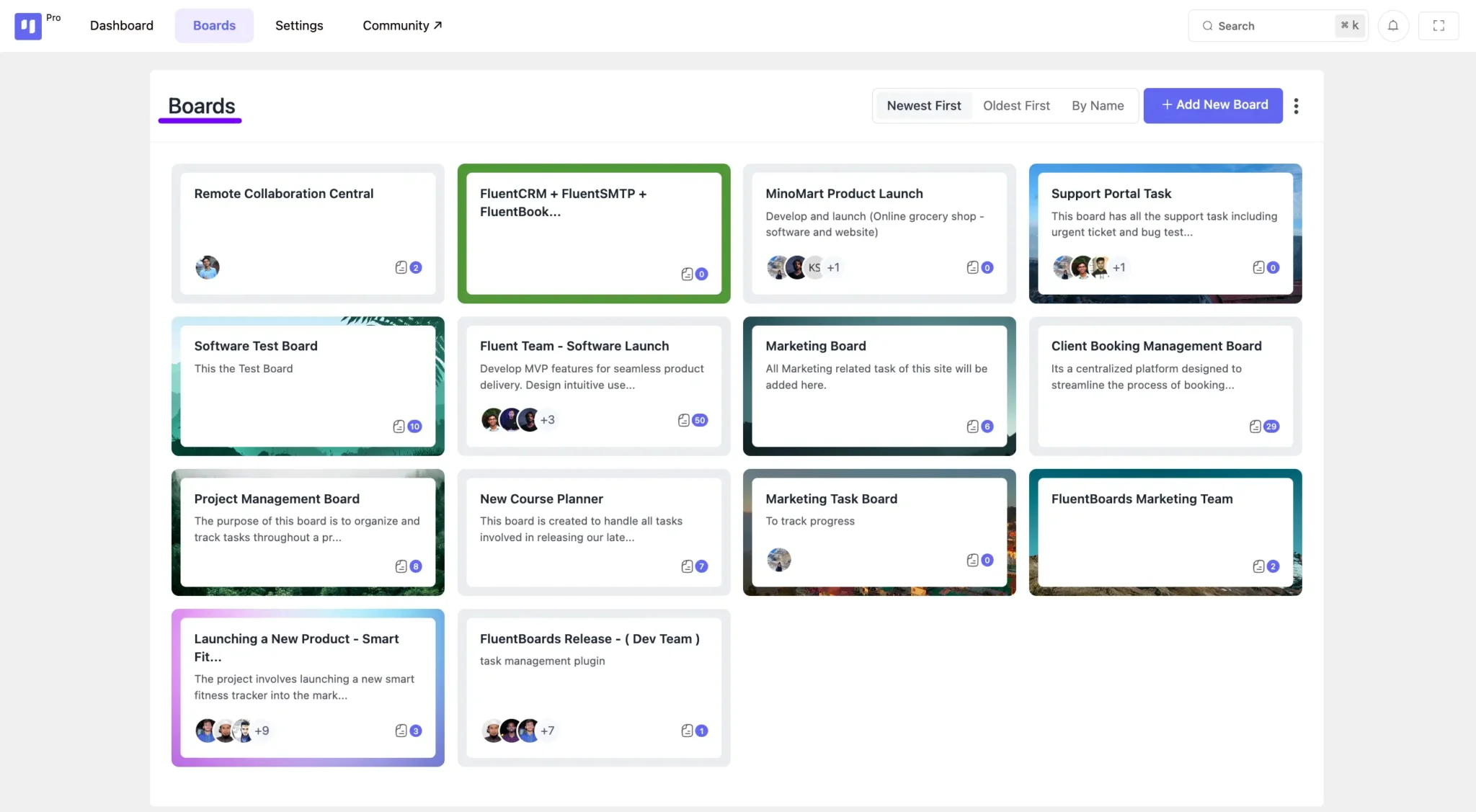
The Boards section in DPMS provides a centralized space where all your project boards are listed.
From here, you can:
- View and access boards you have permission to manage.
- Navigate seamlessly between different boards with a single click.
This section serves as the starting point for managing your projects efficiently.
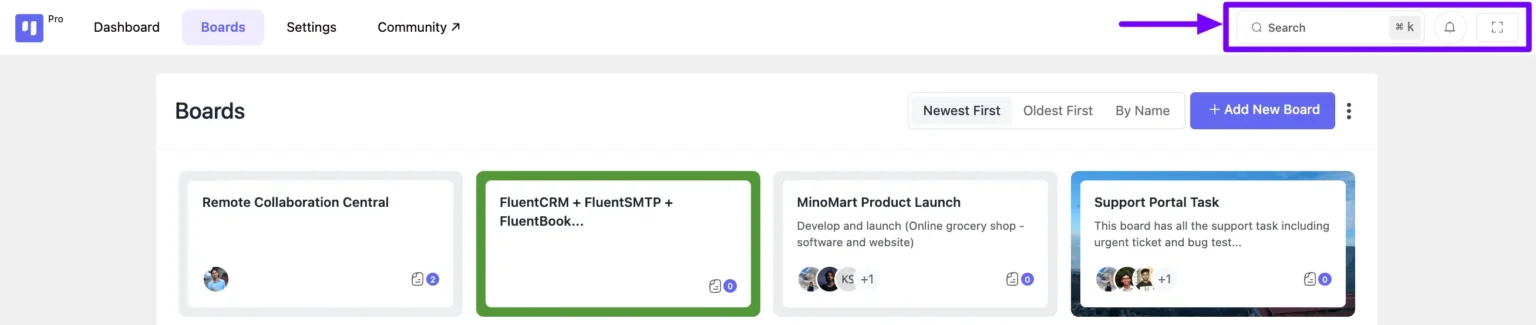
At the top right of the navigation bar, you’ll find three key options:
- Search Field – Quickly find specific boards and tasks.
- Admins can search across all boards and tasks.
- Members can search within their assigned boards.
- Notification Icon – View all board-related notifications in one place.
- Full-Screen Mode – Expand your board for a distraction-free view.
Additional Board Options #
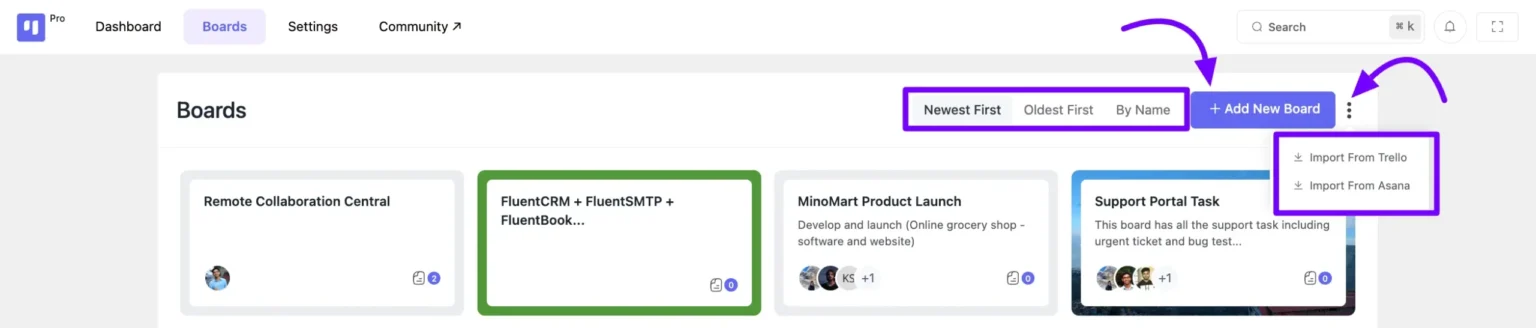
Within the Boards section, you’ll find three more useful features:
- Filter – Organize your boards efficiently by sorting them:
- Newest First
- Oldest First
- By Name
- Add New Board – Quickly create a new board by clicking the “Add New Board” button.
- Three-Dot Menu – Access additional options, including the ability to import Boards and Tasks from other platforms.