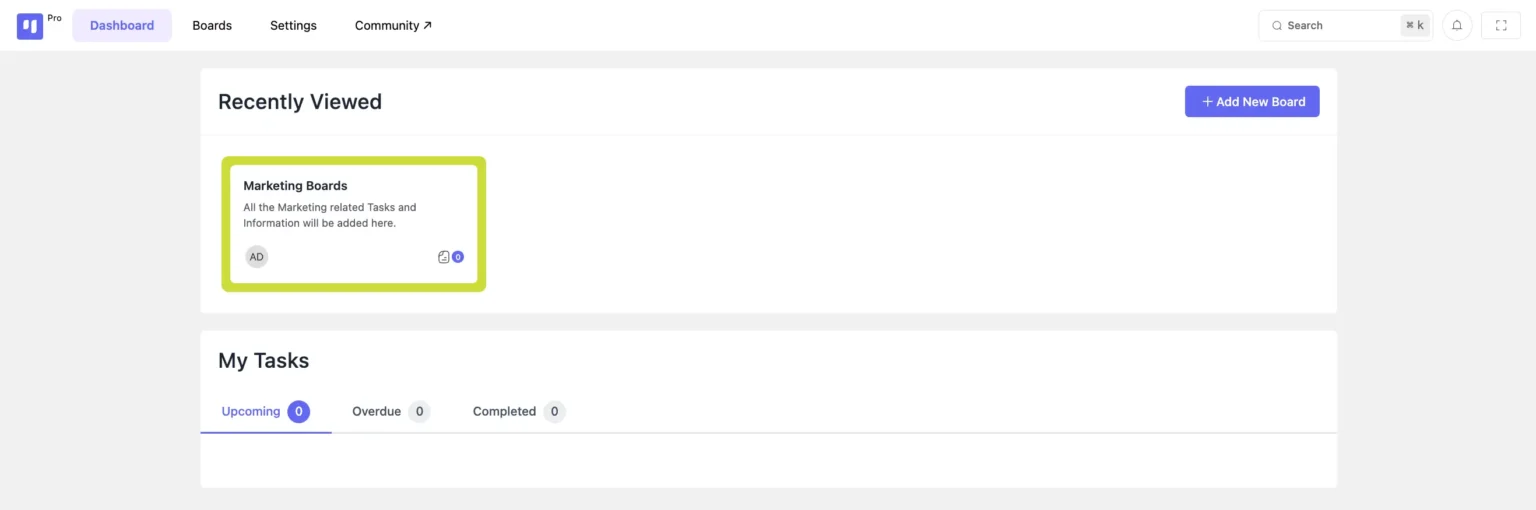
Setting up a board in FluentBoards is simple and efficient. Follow these steps:
- Go to FluentBoards in your WordPress dashboard.
- Click on the “Add New Board” button.
- Provide a Board Name and an optional Description to define its purpose.
- Click Next Step to proceed.
Your new board is now ready for customization!
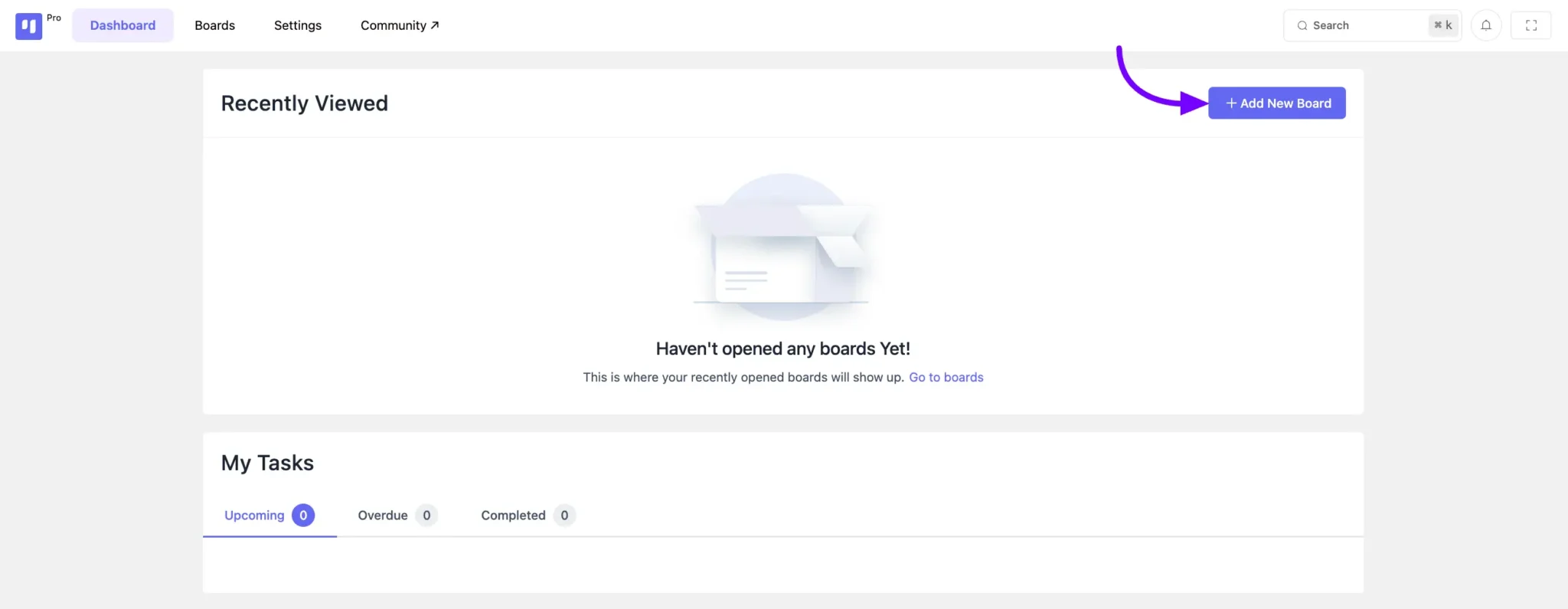
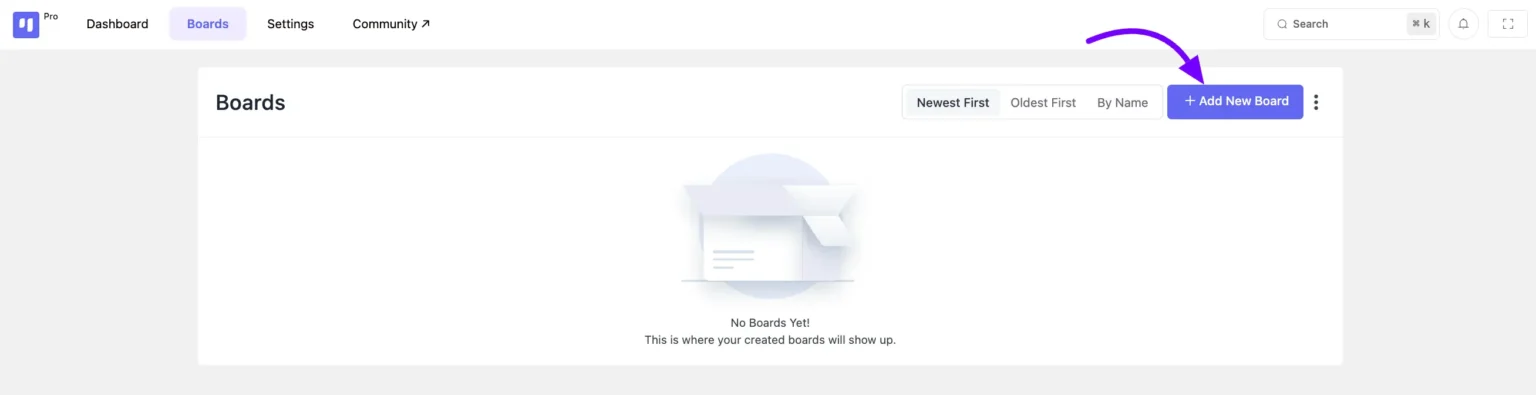
You’ll also find the Add New Board option conveniently located within your Boards section.
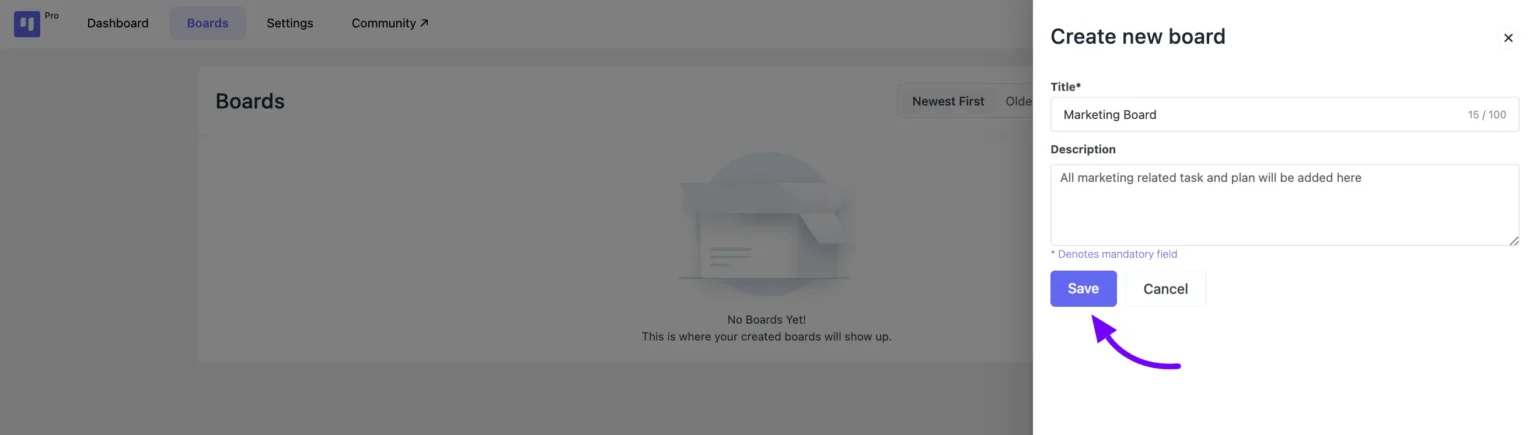
Next, a pop-up will appear from the right side of the board interface. Here, provide a title and description for your board, then click the Save button.
And just like that, your board is ready to go! You can now begin adding stages and tasks to your newly created board.