In DPMS (Powered by FluentBoard), the General Settings section allows you to configure task reminders for overdue tasks. This feature ensures that users receive automatic email notifications about their board tasks, helping teams stay on track.
Configuring Daily Reminders: #
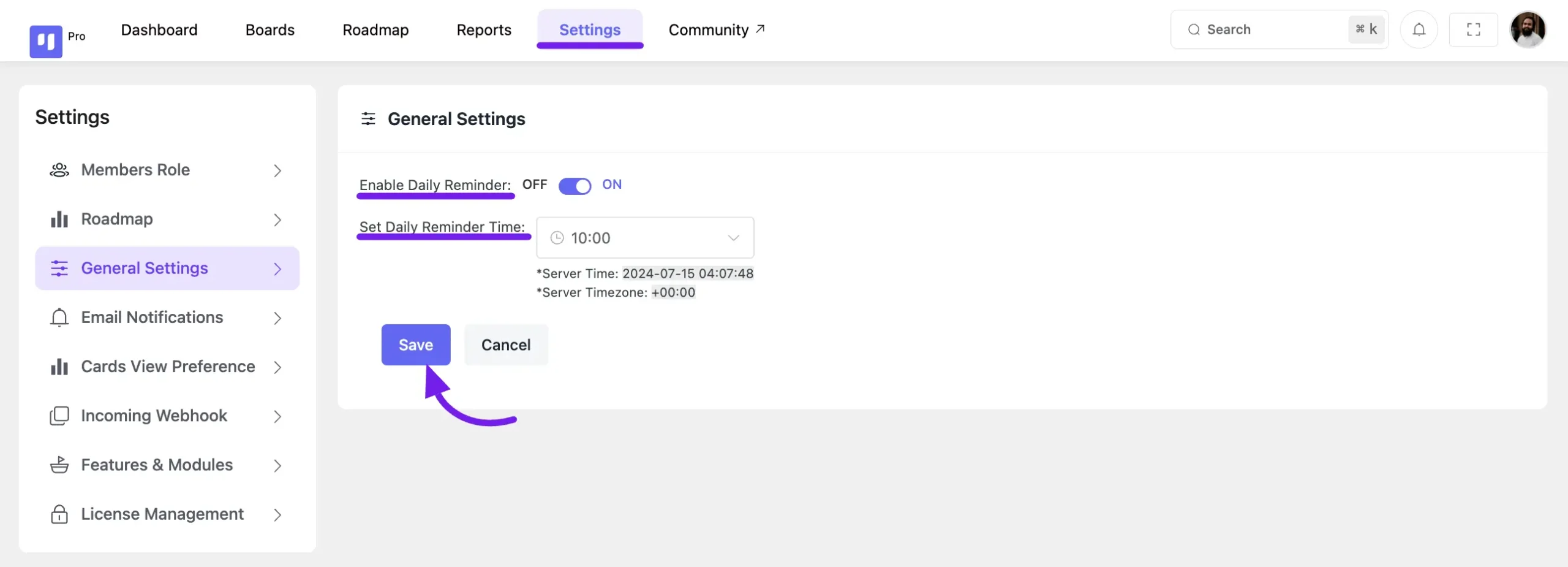
- Access General Settings – Navigate to FluentBoards Settings from the navbar.
- Enable Daily Reminders – Click the Toggle button to activate daily reminders.
- Set Reminder Time – Choose a preferred time for daily notifications (only works when reminders are enabled).
- Save Changes – Click Save to apply the settings.
This feature helps both WordPress Administrators and FluentBoards Admins manage task deadlines efficiently.
Run Daily Reminder with Scheduled Action #
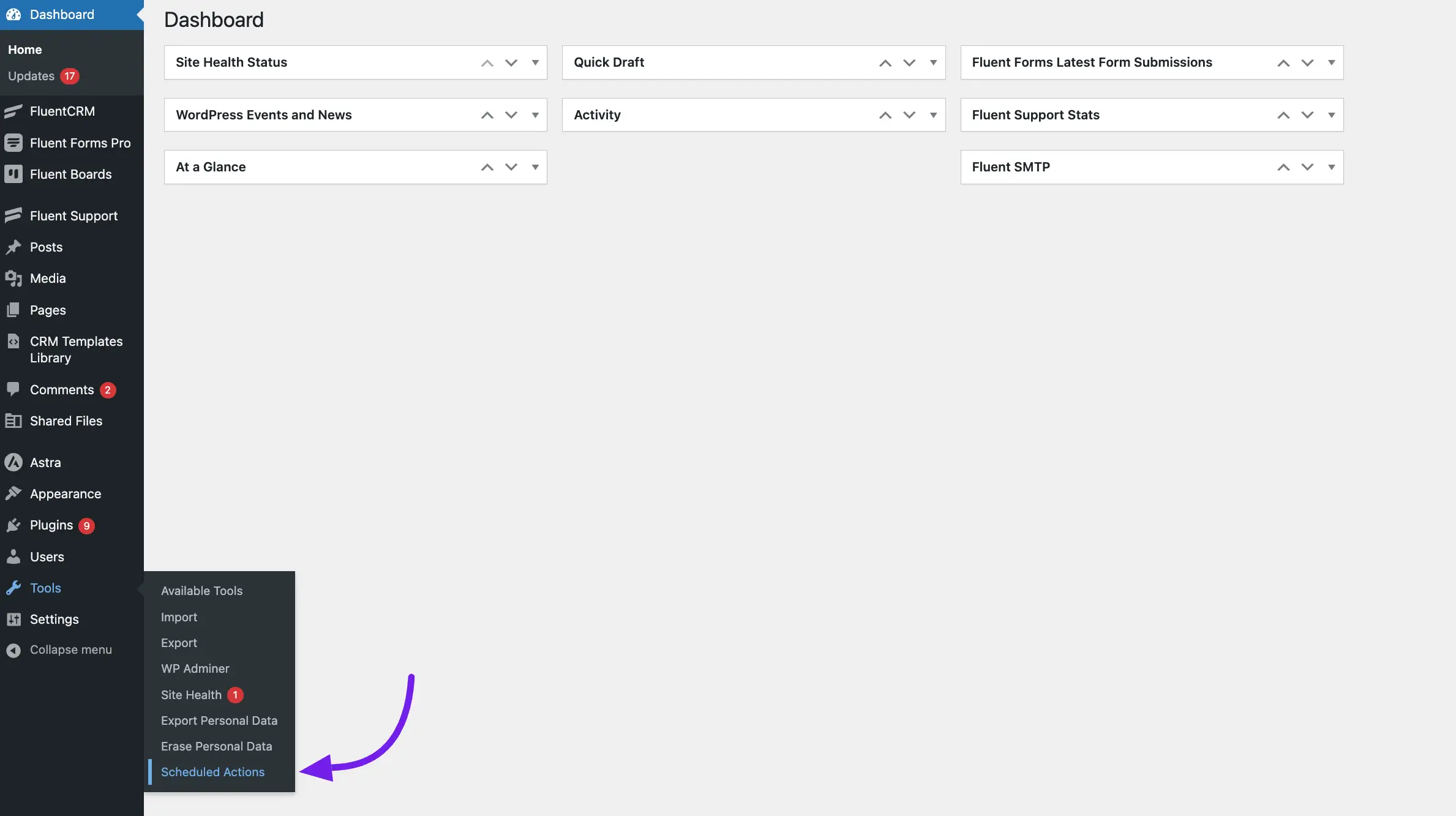
You can send your Daily Reminder email notification anytime using WordPress Scheduled Action. To do this, go to your WordPress dashboard, hover over Tools, and select Scheduled Actions.
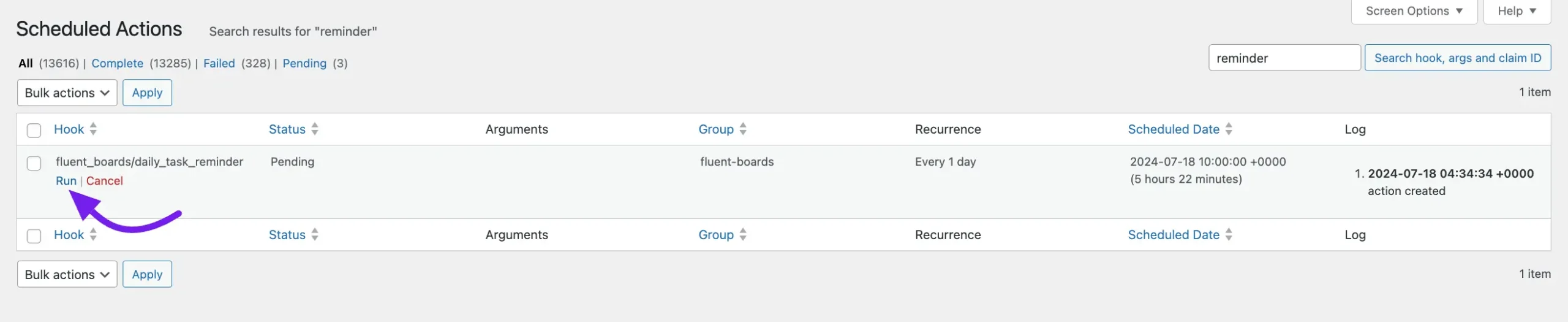
Search for the fluent_boards/daily_task_reminder and click on the Run button. Your daily task reminder email notification will now be sent to the task assignee.
So, this is how you can set a reminder for your task assignees.