Table of Contents
Welcome to the DPMS Dashboard, designed for seamless project management and easy accessibility. Here, you’ll find essential tools to organize tasks, track progress, and enhance productivity.
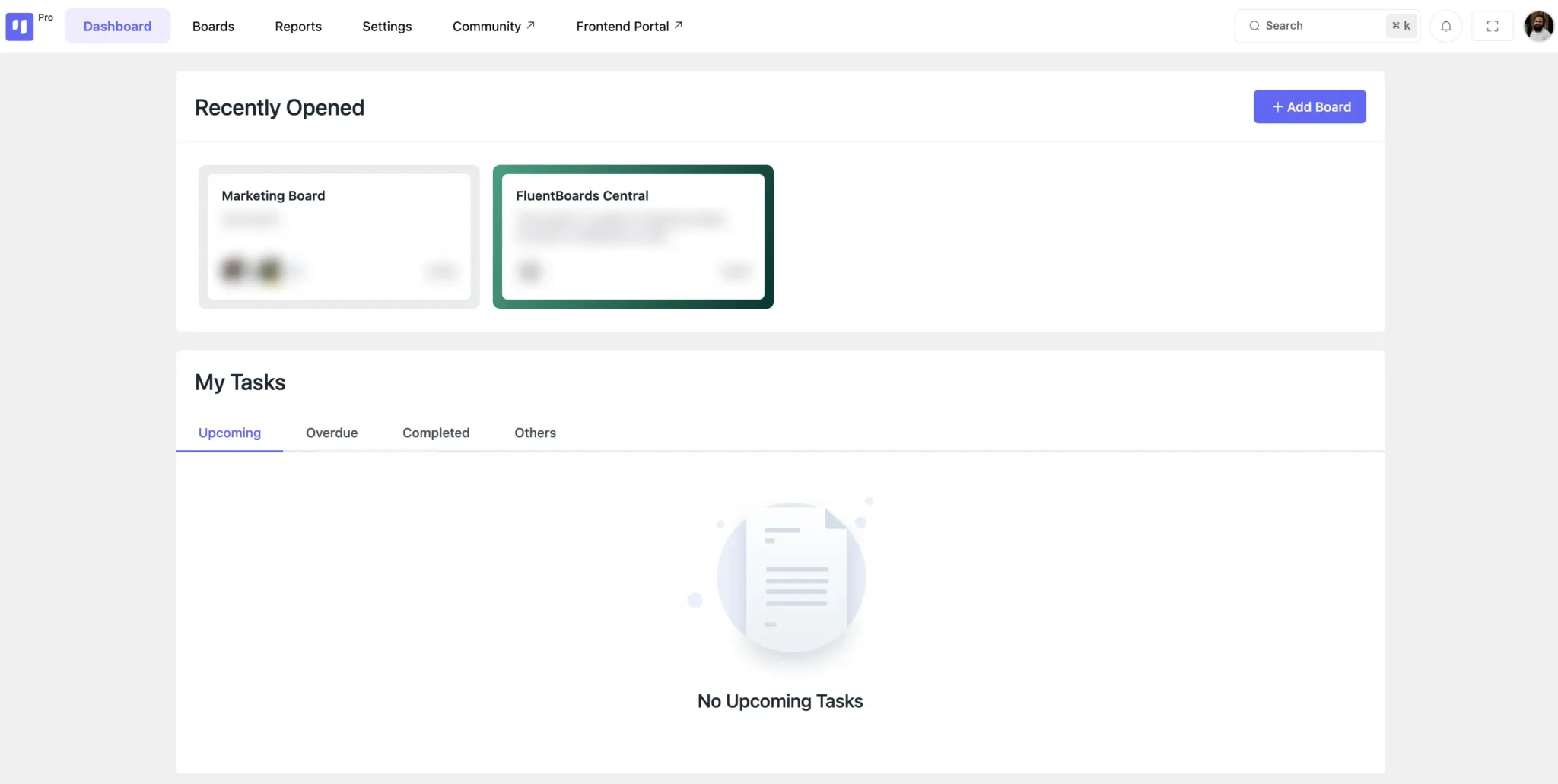
Recently Viewed #
The Recently Viewed section provides quick access to boards you’ve interacted with. Click on any board to open it instantly.
Need a new board? Use the Add New Board button to create one effortlessly.

My Tasks #
Your tasks are categorized into four sections for better organization:
- Upcoming – View tasks with upcoming deadlines, including details like Board Name, Stage, Task Title, Priority, Date, and Time.
- Overdue – Quickly access overdue tasks and take necessary action.
- Completed – Review tasks that have been marked as finished.
- Others – Displays tasks that have missed updates or deadlines but remain unaddressed.
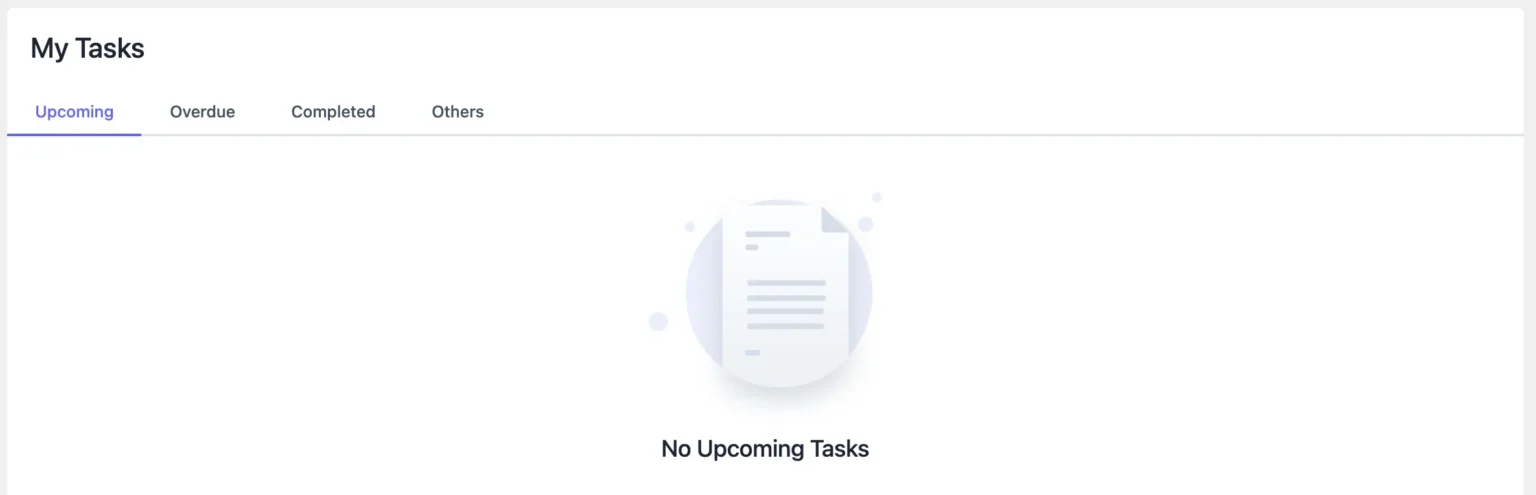
This structured dashboard ensures seamless task tracking and efficient project management within DPMS.